
Publish a changelog entry and close the loop
Writing what shipped, linking the requests it answers, and what publishing sets in motion.
Changelog in the sidebar is where you write what shipped. Entries start as drafts, so you can write across a week and publish when the release is out.
Link the requests it answers
While you are writing, link any feedback requests the entry ships. This is the step that makes the changelog worth keeping.
When you publish, teem does three things at once:
- Every linked request flips to shipped.
- Everyone who voted for those requests gets an email saying the thing they wanted is live, with your entry in it.
- The entry appears on your public changelog and in the widget.
Nobody has to remember to go back and tell the person who asked six weeks ago. That is the whole reason the changelog sits in the same product as the board.
The public page
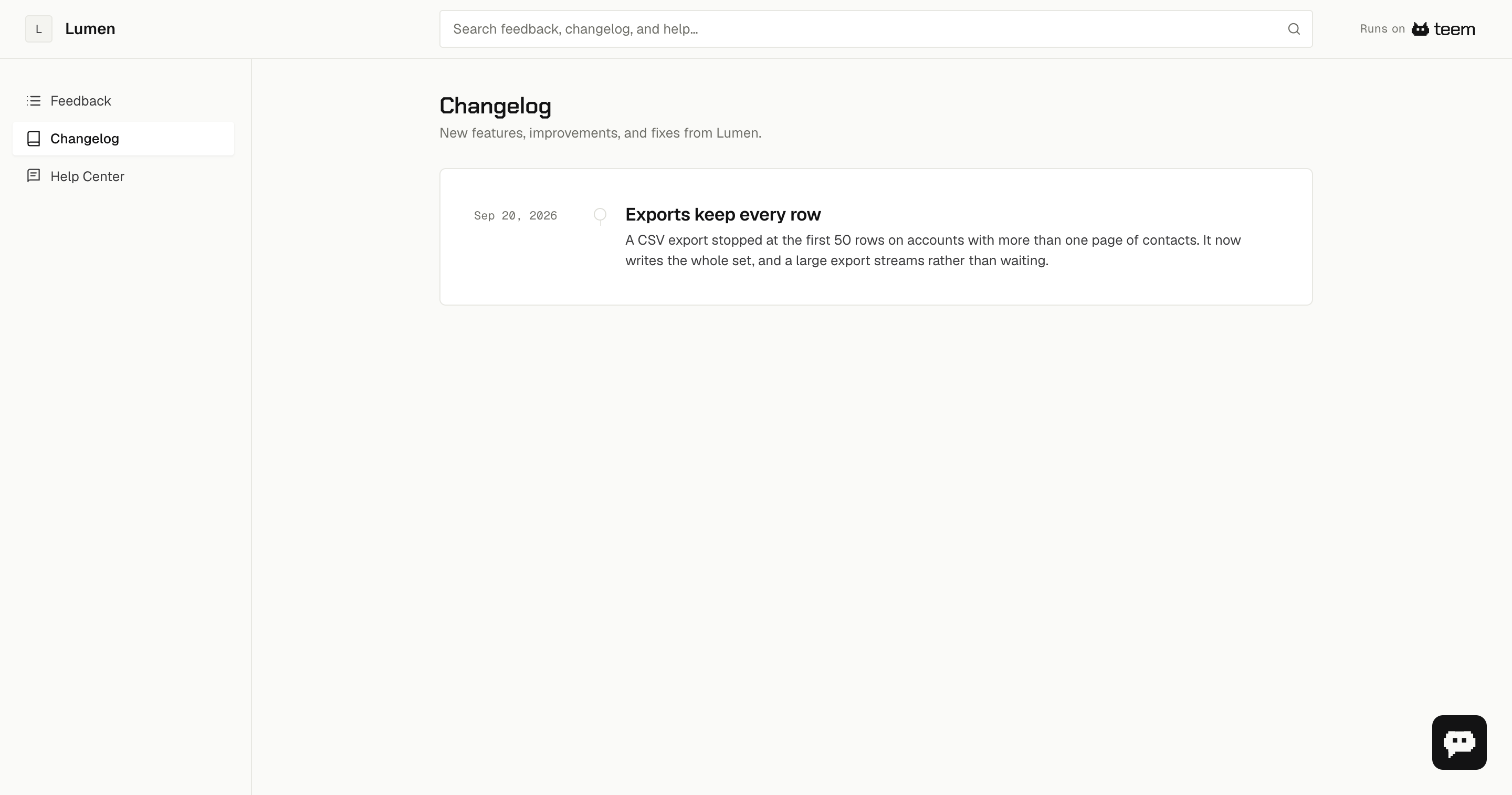
The feed shows each release on a dated timeline with its opening paragraph as the summary. The full note lives on the release page, so a year of releases stays scannable.
Writing the entry
The body takes Markdown: headings, lists, links, code, tables, quotes. The first paragraph becomes the summary in the feed and in the widget, so lead with what changed rather than with a preamble.
One entry per release rather than one per commit. Someone reading it wants to know what is different for them, not how many pull requests it took.
Editing after publishing
You can edit a published entry and the public page updates. Publishing is what sends the emails, and it only happens once — editing afterwards does not send them again, so a typo fix is safe.