
Answer from Slack
Connect a channel and your team can answer without opening teem at all.
If your team already lives in Slack, this is the fastest way to use teem: they never have to open it.
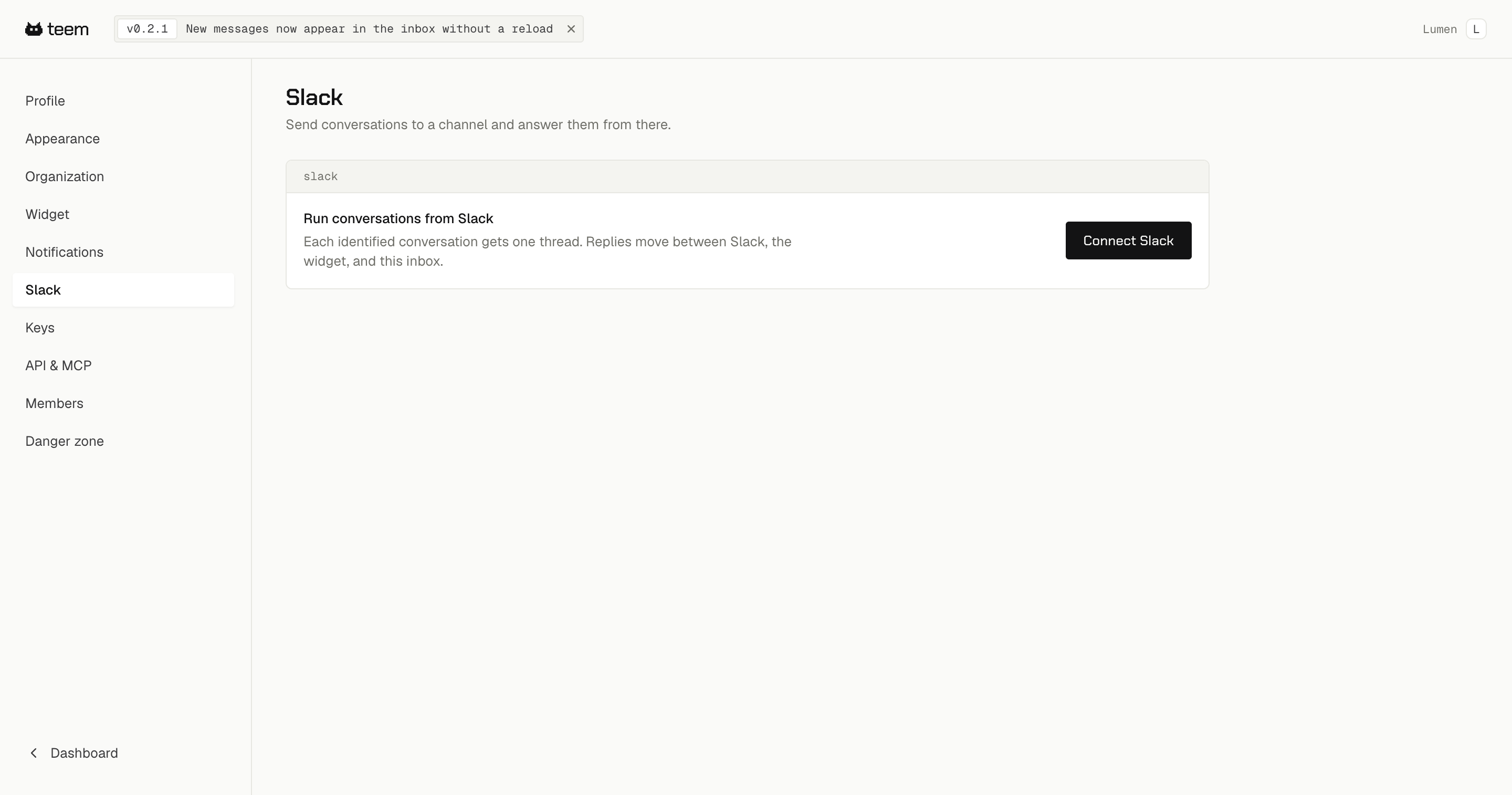
Go to Settings → Slack and connect your workspace. Only an owner can do this.
How it works once connected
Each conversation gets one thread in your channel. When somebody writes in, the thread appears with their message, their name and whether their identity is verified. Reply in that thread and your reply goes straight to their widget.
It works in both directions. A reply you send from the inbox shows up in the Slack thread, and a reply sent in Slack shows up in the inbox. There is one conversation, visible in three places.
Matching who you are
teem matches the Slack account replying against your teem team by email address. If the address on your Slack profile is the same one you were invited with, your reply is attributed to you.
If they do not match, your reply will not post. The fix is to invite that email address to your teem organization, or to make the two addresses agree.
What gets posted to the channel
By default, new conversations, bug reports and feature requests all post to Slack. You can turn any of them off in Settings → Notifications without disconnecting the workspace — email and Slack are set separately, so you can have one without the other.